
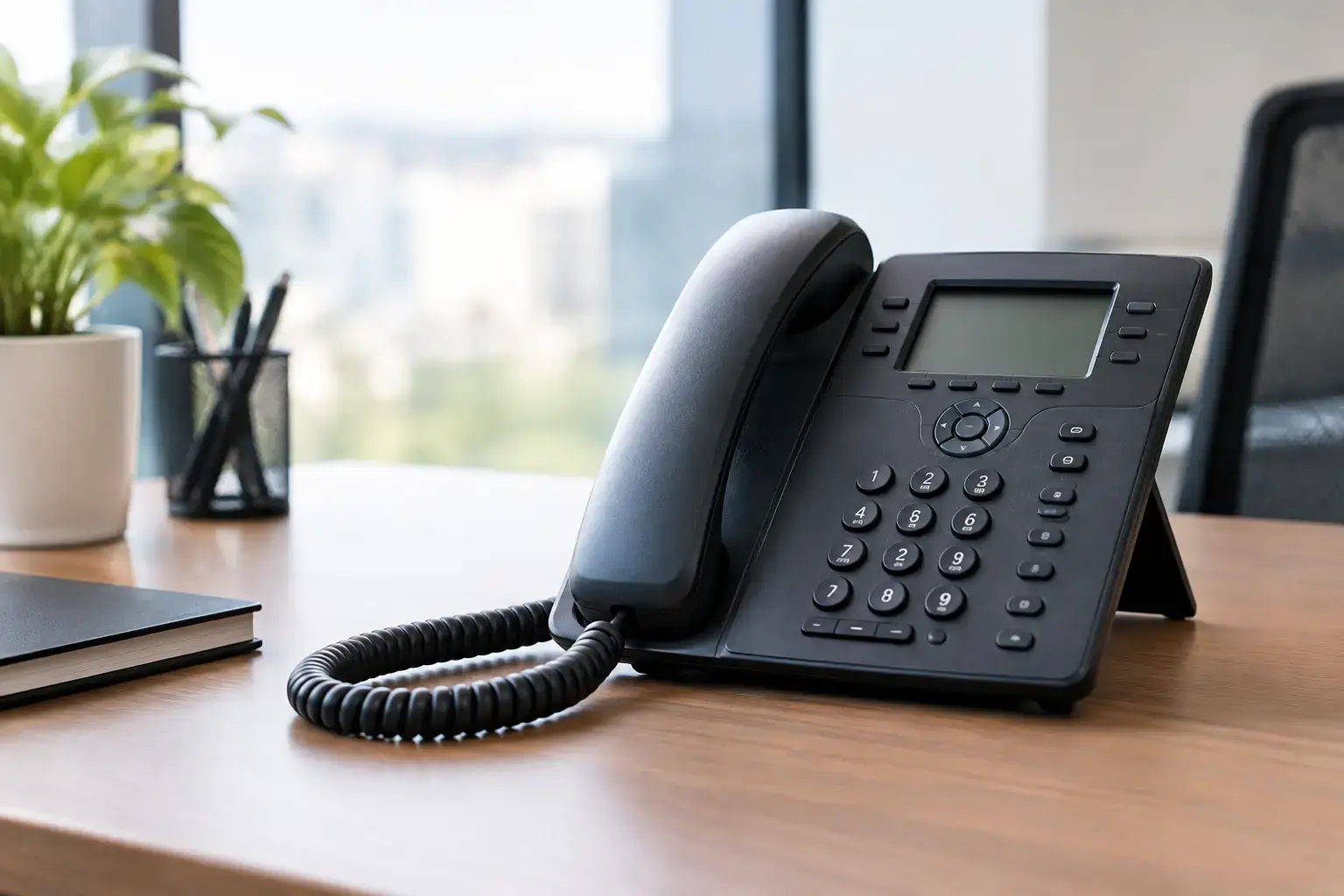
Desk Phones That Still Make Business Sense

A missed call to a busy office can mean a missed customer, delayed job, or frustrated vendor. That is why desk phones still matter for many small businesses. A physical phone at a front desk, service counter, warehouse station, or individual office gives people a dependable place to answer calls, transfer them, and keep business conversations moving.
The question is not whether every employee needs a handset. Many do not. The better question is where a desk phone makes communication easier, more reliable, and more professional than relying on personal cell phones alone.
Where Desk Phones Make the Most Sense
Desk phones are especially useful in roles tied to a location rather than a person. A receptionist needs to answer the main number consistently. A medical or professional office may need staff to see which line is ringing and transfer callers to the right extension. A retail counter, shop floor, or shared office needs a phone that anyone on duty can use without signing into someone else's mobile device.
They also work well when call handling needs to be simple for everyone. A properly configured business phone lets employees place a caller on hold, transfer a call, park a call for another team member, and use extension dialing without asking customers to call back. Those basic functions may sound ordinary, but they are what make an office feel organized.
For businesses with a front desk, a desk phone can also create a clear division between personal and business communication. The company number belongs to the business, the call history stays with the business, and the next person covering the desk can pick up where the prior person left off.
That said, a desk phone is not automatically the right choice for every employee. Salespeople, field technicians, and hybrid staff may get more value from a mobile app or computer calling. Many businesses use both: desk phones for fixed locations and shared roles, plus mobile access for people who work away from the office.
What a Business Desk Phone Actually Does
A business desk phone is more than a device that rings. It is usually part of a phone system that connects your business number, extensions, call routing rules, voicemail, and often mobile apps. The handset is the visible piece, but the service behind it determines what happens when someone calls.
For example, a customer may dial your main number and hear a greeting: “Thank you for calling. For scheduling, press 1. For billing, press 2.” That auto-attendant can direct the caller to a department, a specific extension, a ring group, or voicemail. Staff members can then transfer calls internally without sharing personal numbers.
The right setup can also keep calls covered when the office is closed or the front desk is unattended. Calls can follow a schedule, ring multiple phones, go to a backup employee, or route to a voicemail box with a clear message. The goal is not to add complicated features. It is to make sure callers reach a useful next step.
Common Features Worth Having
Most small businesses do not need every feature offered in a telecom brochure. They do need the fundamentals to work well. Look for clear call transfer, hold, speakerphone, voicemail, caller ID, extension dialing, and a directory that makes it easy to reach coworkers.
If your business receives frequent incoming calls, programmable buttons are helpful. A receptionist can see which extensions are in use, transfer calls quickly, or reach common departments with one touch. For higher call volume, a display that shows multiple lines or active calls can reduce confusion during busy periods.
Audio quality matters, too. A low-cost phone that is difficult to hear is not a bargain. Consider the environment where it will be used. A quiet private office has different needs than a noisy repair shop, clinic reception area, or open sales floor. Speakerphone quality, headset compatibility, and large buttons may be more valuable than a long list of advanced settings.
Choosing the Right Number of Phones
One of the easiest ways to overspend is to assume that every employee needs a dedicated desk phone. Start with the work, not the headcount.
Ask which roles must answer calls from a fixed location, which employees need a personal extension, and which people mainly work from mobile devices or computers. A five-person office might need two desk phones at the front desk and operations station, plus individual extensions that ring through an app. Another business of the same size may need five physical phones because every person handles customer calls from an assigned office.
Shared spaces deserve attention. If three people rotate through a reception desk, one well-configured phone may be more useful than three separate handsets. If a warehouse supervisor needs to reach the office quickly, a single phone in the right place can solve a real operational problem.
It also helps to plan for growth without buying equipment that will sit unused. Choose a system that can add extensions when you hire, but only purchase the phones you need now. Flexibility is valuable. Paying for unused capacity is not.
Desk Phones, Apps, or Both?
This is not an either-or decision. Modern business communications can combine traditional office phone functions with mobile and desktop tools.
A desk phone is often the best choice for a receptionist, office coordinator, dispatcher, or employee who spends most of the day at one workstation. The physical buttons, visual call indicators, and reliable placement on a desk make call handling faster. There is also less risk that business calls get mixed into a personal phone's notifications, battery life, and contacts.
Mobile and desktop apps are better for employees who travel, work remotely, or move between locations. They can answer a business call using their business caller ID, review voicemail, message coworkers, and stay connected without being at a specific desk.
A blended approach is usually practical. Keep physical phones where the office needs a consistent point of contact. Give mobile tools to employees who need flexibility. The caller should not have to know or care where an employee is working. They should simply reach the right person.
Questions to Ask Before Replacing Your Phones
Before choosing new equipment or service, map out what happens to an incoming call from the moment it reaches your main number. Where does it ring first? Who answers when that person is unavailable? How are calls transferred? What should happen after hours?
Then consider what is not working today. Perhaps your current phones are old and difficult to program. Maybe employees cannot transfer calls easily, voicemail is unreliable, or the system does not support remote staff. The right replacement should solve those specific issues rather than introduce features no one will use.
You should also ask about pricing in plain terms. Find out what is included in the monthly service, whether equipment is purchased or rented, what installation involves, and whether there are charges for changes later. Telecom pricing can become confusing when basic capabilities are split across packages or hidden behind technical labels. A good provider should be able to explain your options without making you decode them.
For businesses that already have phone numbers customers know, confirm how those numbers will be handled. In most cases, you can keep them, but the transfer process should be planned carefully so your business remains reachable.
Setup Matters as Much as the Phone
Even excellent desk phones will not improve communication if the call flow is poorly designed. A short, clear auto-attendant is better than a menu with too many choices. Extensions should be logical. Voicemail greetings should tell callers what to expect. The main number should always have an answer path during business hours.
It is also worth giving employees a brief walkthrough after installation. Staff should know how to transfer a call, retrieve voicemail, use the speakerphone, and find help if something changes. This takes little time and prevents the familiar problem of calls being put on hold while someone searches for instructions.
At Link Business Communications, the starting point is not a generic equipment package. It is understanding how your business receives and handles calls, then matching the solution to that reality. A one- or two-extension office should not be pushed into the same system as a busy multi-department operation.
The best phone setup is the one your team can use confidently on a busy Tuesday afternoon. Put desk phones where people need a dependable place to serve callers, use mobile tools where flexibility matters, and keep the system simple enough that every call has a clear path forward.


Comments