
How to Connect Remote Phones for Your Business

Updated: Nov 16
A customer calls your main office number at 4:45 p.m. The employee who can help is working from home, on the road, or at another location. If that call lands in voicemail instead of reaching the right person, the issue is not where your employee sits. It is how your phone system is set up.
Learning how to connect remote phones starts with one practical goal: make business calls reach the right people while keeping your main number, call handling, and professional image intact. For a small business, that can be much simpler than telecom providers often make it sound.
Start With the Call Experience You Want
Before choosing hardware or an app, decide what should happen when someone calls your business. A remote employee may need to answer calls as though they were at their desk, transfer callers to coworkers, see which line is ringing, and use the business caller ID when calling back.
That is different from simply forwarding an office number to a personal cell phone. Call forwarding is useful for a single owner or a temporary coverage need. But it can create problems when several employees need to answer calls, transfer them, or maintain consistent coverage. Customers may also see a personal mobile number on return calls, and employees may not know whether a call is business-related before answering.
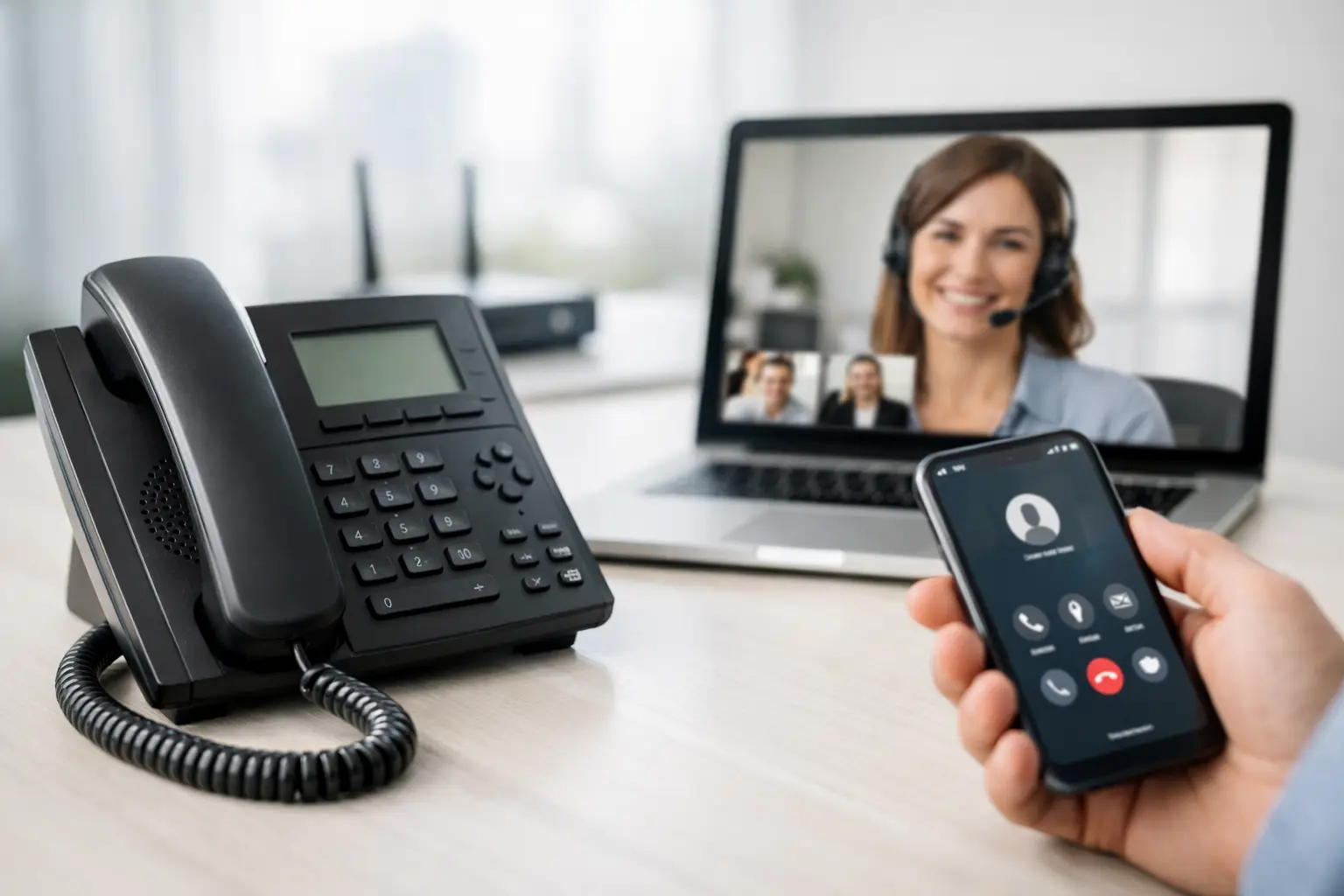
For most organizations, the right approach is to connect remote users to the business phone system itself. The employee can then use a desk phone at home, a mobile app, a computer app, or a combination of these options.
Three Ways to Connect Remote Phones
The best method depends on how your employees work, how many people need access, and whether you need traditional office-phone features.
Use a mobile or desktop business phone app
A unified communications platform can place the business extension on an employee's smartphone or computer. When a call comes into the company number, the app rings wherever the employee is working. They can answer, transfer the call, send it to voicemail, or call out using the company caller ID.
This is often the most flexible choice for employees who move between home, office, customer sites, and travel. It also works well for businesses that want chat, meetings, file sharing, and calling in one place.
The trade-off is that app users need dependable internet or cellular service. They also need clear expectations about notifications, call availability, and protecting business information on personal devices. An app is convenient, but it should be part of an organized communication policy, not an informal workaround.
Put a desk phone at the remote location
A hosted phone system can support an IP desk phone in a home office, satellite office, warehouse, or retail location. The phone connects to the internet, signs into the employee's extension, and works much like a phone at the main office.
This option is a good fit for receptionists, customer service teams, administrators, and employees who spend much of the day on calls. A physical phone gives them a dedicated business device, familiar buttons for hold and transfer, and less temptation to blend personal and work calls.
A remote desk phone needs a stable internet connection. Wi-Fi may be sufficient for light use, but a wired network connection is usually more dependable for a high-volume caller. The location should also have a basic power plan. If the home internet equipment loses power, the phone will not operate unless the equipment has battery backup.
Forward calls to a remote number
Call forwarding sends calls from one number to another, such as an employee's mobile phone. It is fast to set up and may be all a very small business needs at first.
Use it when the need is simple: one person covers calls after hours, a staff member is temporarily away from the office, or the business has only one or two extensions. It becomes less effective when callers need menu options, call queues, transfers, department routing, or a consistent business caller ID.
Forwarding also deserves a close look from a cost standpoint. Some services charge for forwarded minutes, and call quality can suffer when calls pass through multiple carriers. Ask for the full pricing picture before treating forwarding as a long-term solution.
How to Connect Remote Phones Without Overcomplicating It
The setup should match the way calls move through your business. Start by listing your current phone numbers, extensions, departments, and the people who answer each type of call. Include what happens during lunch, after hours, vacations, and unexpected absences.
Next, separate employees by work style. A receptionist may need a desk phone and access to several call lines. A salesperson may be better served by a mobile app. A manager may want both: a desk phone for focused office time and an app for coverage away from the desk.
Then decide how incoming calls should be routed. A straightforward setup might send the main number to an auto-attendant menu, route sales calls to a small ring group, direct support calls to a separate group, and provide an after-hours message with an emergency option if needed. Remote employees can participate in those groups from wherever they work.
Finally, test the experience from the caller's perspective. Call the main number, choose each menu option, transfer a call, place someone on hold, leave a voicemail, and return a call. Test from a cell phone and from an outside location. A phone system is only useful if the daily call flow works as expected.
Keep Your Business Number and Identity Consistent
Remote work should not force customers to hunt for different contact numbers. Your main business number should remain the front door, whether employees are in Media, working across Pennsylvania, or supporting customers from another state.
A properly configured system lets employees make outbound calls using the business number or their assigned direct number. That helps customers recognize who is calling and gives the business control if an employee changes roles or leaves. The number stays with the company, rather than becoming tied to a personal phone plan.
It also helps to set clear voicemail standards. Each extension should have a professional greeting, and general mailboxes should have a designated person responsible for checking messages. Remote connectivity solves little if callers still wait days for a response.
Plan for Internet Reliability and Security
Business calling depends on the internet when employees use apps or IP phones. Ask remote staff to identify whether they have reliable service, particularly if they handle customer calls all day. Slow or unstable connections can cause choppy audio, dropped calls, and delays that frustrate both employees and callers.
For employees with critical call responsibilities, a wired connection, quality router, and battery backup can make a meaningful difference. Mobile apps offer a useful backup when home internet goes down, provided cellular coverage is strong.
Security matters, too. Use individual user logins rather than shared credentials. Remove access promptly when someone leaves. Require screen locks and device passcodes for phones that carry business calling or messaging apps. If call recordings, text messages, or customer details are involved, make sure your setup aligns with the privacy obligations that apply to your industry.
Avoid Paying for Features You Will Not Use
Many businesses are sold a large package because it sounds comprehensive. The better question is whether each feature solves a real communication problem. A two-person office may need a main number, two extensions, voicemail, and mobile access. It may not need a complicated contact center configuration.
On the other hand, a growing office with several departments may benefit from auto-attendants, ring groups, call reporting, shared voicemail, and dedicated desk phones. Buying too little can create daily workarounds. Buying too much leaves you paying for tools no one understands or uses.
Clear pricing should show the cost of service, devices, setup, and any add-ons that affect the monthly bill. If a provider cannot explain those pieces plainly, keep asking questions before signing anything.
When It Makes Sense to Replace the Whole System
Sometimes connecting remote phones exposes a larger problem. Older office systems may depend on physical wiring, limited remote access, or lines that are expensive to maintain. Adding remote capability through patches and forwarding rules can work temporarily, but it may not be the cleanest long-term answer.
A replacement business phone system can preserve the familiar features your team relies on - extension dialing, transfers, paging, and auto-attendant menus - while giving employees the option to work from a desk phone, mobile app, or computer. The right system does not have to be flashy. It simply needs to make calls easy to answer and easy to manage.
A good next step is to map one normal business day: who receives calls, where they work, what happens when they are unavailable, and which calls cannot be missed. That simple picture usually points to a remote phone setup that fits your business without adding unnecessary cost or complexity.


Comments