
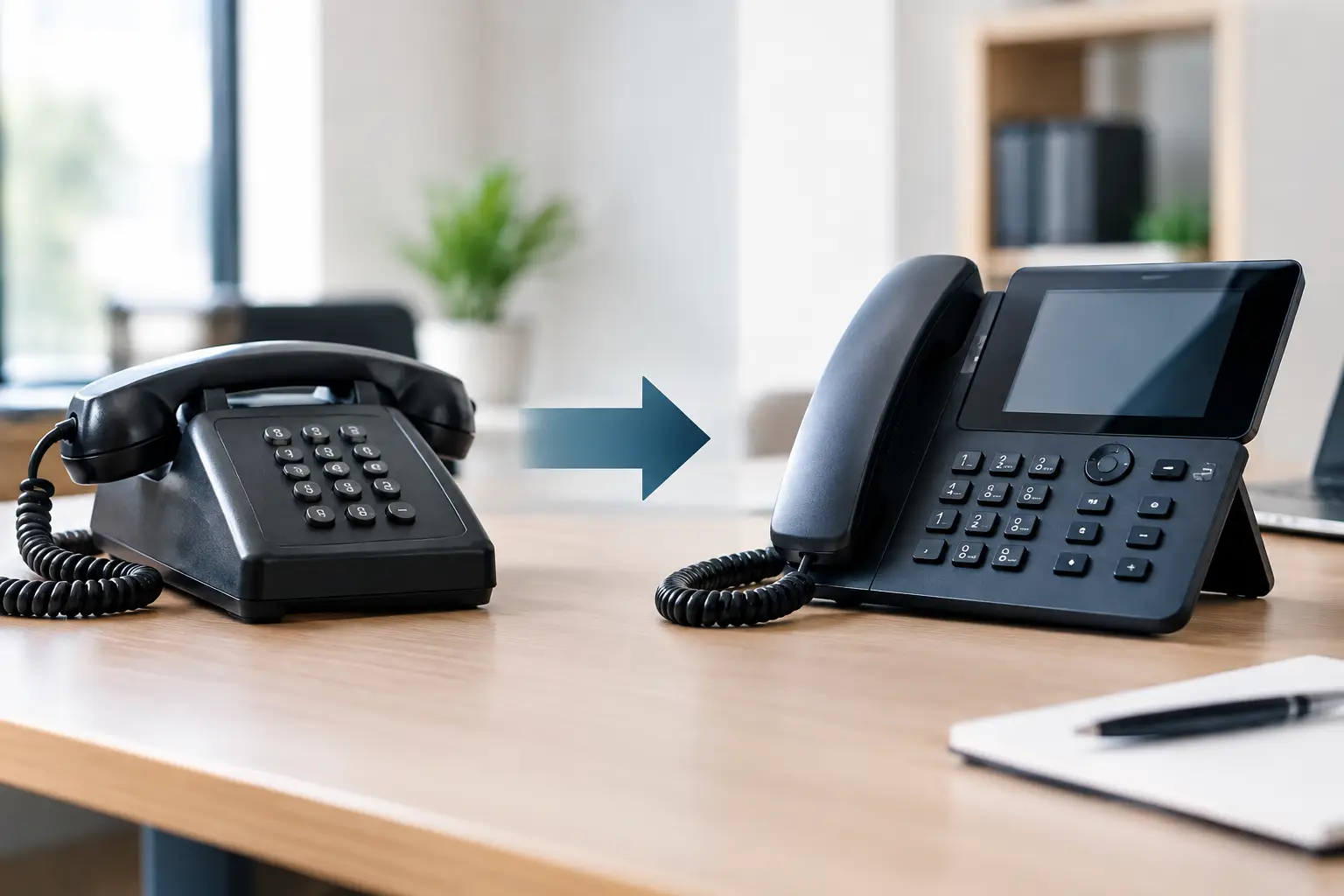
How to Replace Analog Phones Without Disruption

Updated: Nov 16
A failing desk phone, a rising repair bill, or a notice from your carrier can force a decision faster than anyone would like. Learning how to replace analog phones is not just about buying new handsets. It is about preserving the way your office answers calls, routes customers, and stays reachable while moving to a service that will support the business for years to come.
For most small businesses, the best replacement is a modern business phone system that keeps the familiar basics - extensions, transfers, hold, voicemail, and an auto-attendant - while adding options such as mobile calling and easier administration. The right path depends on your current wiring, call volume, staff locations, and how much change your team actually wants.
Start With What Your Analog Phones Do Today
Analog phones are simple, but the system behind them may not be. A few lines connected directly to wall jacks is a different situation from an older PBX with dozens of extensions, paging equipment, fax machines, door buzzers, and alarm lines.
Before comparing providers or equipment, document how calls move through your business. Note every published phone number, who answers incoming calls, which employees need direct extensions, and where calls go after hours. Also identify devices that use an analog line but are not desk phones. These often include fax machines, credit card terminals, elevator phones, security alarms, and postage machines.
This step prevents a common and expensive mistake: replacing the visible phones while overlooking the services connected behind the scenes. Not every analog device must stay on a traditional line, but every device needs a deliberate plan.
Ask the questions that affect the replacement
You do not need to become a telecom expert. You do need clear answers to a few practical questions:
How many people need a desk phone, and how many only need to answer calls from a mobile app?
Do callers need a menu such as “Press 1 for sales” or “Press 2 for service”?
Does your team transfer calls between departments, park calls, use paging, or rely on shared voicemail?
Are employees in one office, working remotely, or moving between both?
Which phone numbers must be kept, including fax and toll-free numbers?
A system that works well for a two-person office may be overly complicated for a larger practice with a receptionist and multiple departments. The reverse is also true. A basic service can become frustrating when a growing team needs reliable call routing and extension dialing.
Choose the Right Replacement for Analog Phones
There are three common replacement paths. The best choice is not always the one with the longest feature list.
A hosted business phone system is often the most practical choice for a small office. Calls travel over your internet connection, and desk phones, mobile apps, and computers can all operate as extensions. Your provider manages the core service, which reduces the need to maintain an on-site phone server. This option works especially well for businesses that want flexibility without assigning internal staff to manage phone infrastructure.
An on-premises or locally managed unified communications system may make sense when a business wants more control, has specific operational needs, or prefers to keep the core system in its own environment. It can provide familiar PBX-style calling while supporting more modern tools such as chat, meetings, file sharing, and mobile access. It generally requires more planning and support than a hosted service.
For very simple needs, a business may only need updated phone number service and a small number of extensions. This can be a sensible, lower-cost move when employees primarily use mobile phones and incoming calls do not require complex routing.
The goal is not to turn every employee into a power user. It is to give customers a consistent calling experience and give staff the tools they will genuinely use.
Keep Your Business Numbers Before Canceling Service
Your main business number may appear on signage, invoices, directories, vehicles, online profiles, and years of customer records. In most cases, you can move that number to a new provider through a process called number porting.
Do not cancel your existing phone service before the port is complete. Cancellation can make it harder, and sometimes impossible, to move the number. Instead, provide the new provider with an accurate copy of your current bill, the service address on record, account details, and any required authorization. Even a minor mismatch in the business name, address, or account number can delay the transfer.
Porting timelines vary. A straightforward local number may move relatively quickly, while a block of numbers, a toll-free number, or a complex account can take longer. Build the transition schedule around a confirmed port date rather than an assumption. Your old service should remain active until the new system is tested and the number transfer is complete.
Check Your Internet and Office Network
Unlike analog service, most modern business phone platforms depend on your internet connection. That does not mean you need the fastest plan available, but it does mean reliability matters as much as raw speed.
A provider should review your available bandwidth, current network equipment, Wi-Fi coverage where applicable, and whether voice calls will share the connection with large uploads, cloud backups, video meetings, or guest internet access. Businesses with several simultaneous calls may need network adjustments to avoid choppy audio or dropped calls.
Power is another consideration. Traditional analog lines often continued working during a local power outage because they carried their own power. IP phones, routers, switches, and internet equipment need electricity. A battery backup can keep essential equipment running through short outages. For longer disruptions, call forwarding to mobile phones and backup internet options can protect customer access.
If your business handles emergency calls from a fixed location, confirm how emergency location information will be configured. Remote and mobile users require special attention so the information associated with a call is accurate.
Plan the Cutover Around Your Business Hours
The smoothest phone replacement happens before the installation date. Decide which features must be ready on day one: your main greeting, business hours, call groups, voicemail boxes, hold music, and after-hours routing. Write the call flow in plain language. If a new employee could follow it, it is clear enough to configure.
Then choose a cutover window with the least impact. Some offices can switch during business hours with minimal interruption. Others, such as medical offices, professional services firms, and customer support teams, may prefer an evening or weekend transition.
Test the system before relying on it. Make inbound and outbound calls, transfer between extensions, check voicemail notifications, test the auto-attendant, and call after hours. Test from a cellphone as well as a desk phone. If your business has a door intercom, fax adapter, paging system, or alarm-related line, verify each one separately.
Make the change manageable for employees
New phones can create more anxiety than they deserve. A short orientation is usually enough when the setup is designed around familiar tasks. Show employees how to answer, transfer, place a caller on hold, retrieve voicemail, and use their mobile extension when away from the desk.
Avoid giving every person a thick instruction manual full of functions they will never need. Reception staff may need advanced call handling. Other employees may only need a few daily actions. Training should match the role.
Watch for Costs That Are Easy to Miss
A clear quote should distinguish between monthly service, phone hardware, installation, number porting, taxes and fees, and any optional features. If a price looks unusually low, ask what happens after promotional pricing ends and whether support, replacement equipment, or configuration changes carry additional charges.
Also ask whether phones are purchased, rented, or included with a term commitment. Buying equipment may cost more upfront but provide flexibility later. Renting can reduce the initial expense, but it may cost more over time. Neither approach is automatically better; the right answer depends on your budget and expected timeline.
Be cautious about buying features solely because they are available. Video meetings, team chat, call recording, analytics, and integrations can be valuable, but only when they solve a real problem. A clear, dependable call path is more useful than a complicated platform no one understands.
When You Should Keep an Analog Line
Replacing analog phones does not always mean eliminating every analog line immediately. Some elevator systems, fire panels, security devices, and older fax equipment may require an analog connection, a compatible adapter, or a specialized replacement. Regulations, building requirements, equipment warranties, and local service conditions can all affect the decision.
In these situations, a mixed setup may be the responsible choice: move everyday business calling to a modern platform while keeping or separately replacing the lines used by critical equipment. Treat those devices as a safety and compliance issue, not an afterthought in a phone upgrade.
A good phone replacement should make your business easier to reach, not harder to manage. Start with the calls your customers and staff depend on, keep the pieces that work, and choose a system that is clear enough to operate without a telecom dictionary.


Comments