
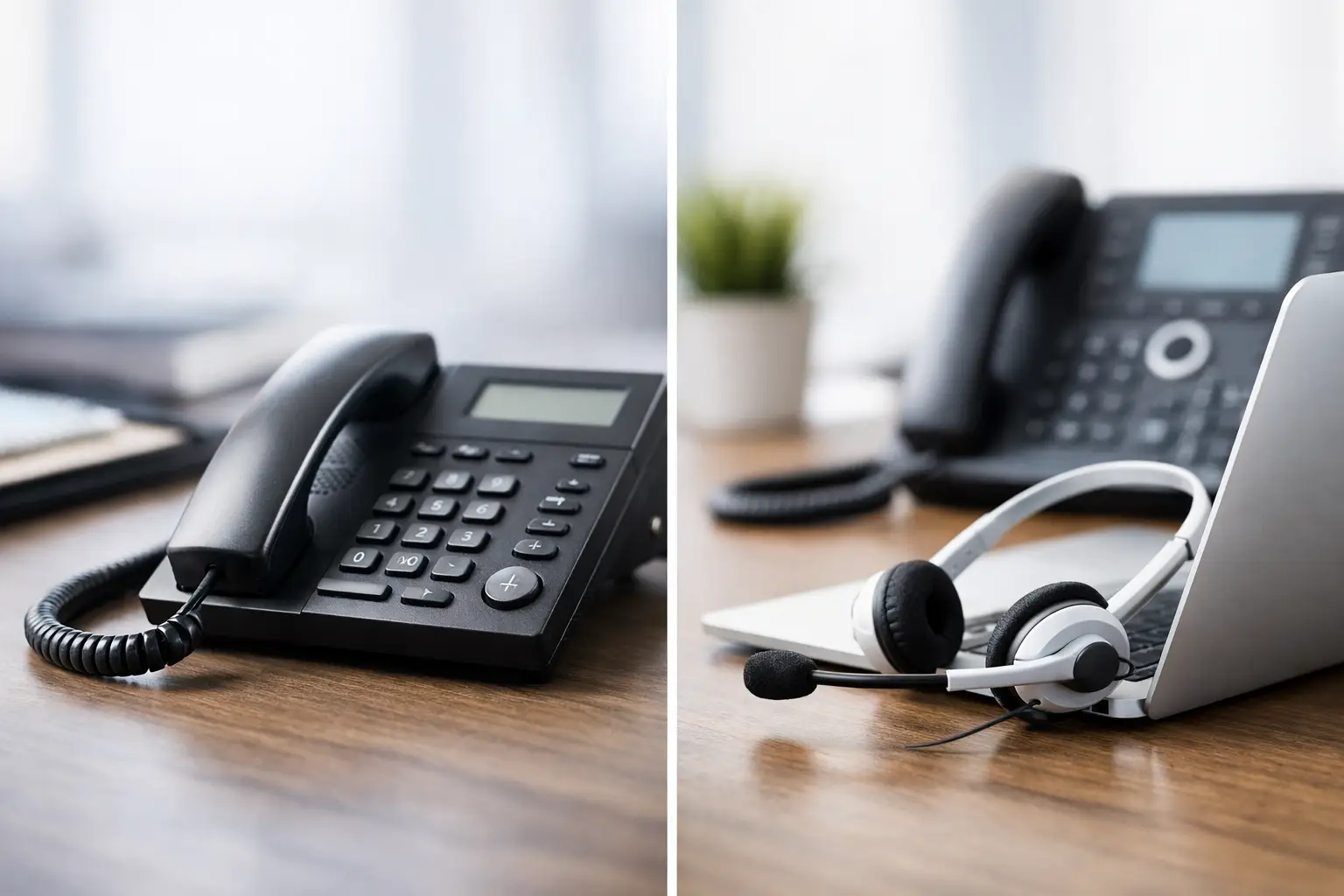
Landline Versus VoIP: Which Fits Your Business?

Updated: Nov 16
A phone system decision can look simple until the first quote arrives. One provider talks about lines, another talks about users, and a third bundles features your office may never use. The real question in the landline versus VoIP decision is not which technology is newer. It is which option lets your staff answer customers reliably, manage calls without frustration, and pay for what they actually need.
For a small business, the right answer often comes down to three practical factors: how your internet performs, how your employees work, and which phone features are genuinely useful. A traditional landline still has a place in some offices. VoIP can offer major flexibility and lower operating costs. Neither choice should be made based on a sales pitch alone.
What Is the Difference Between a Landline and VoIP?
A traditional business landline sends voice calls through dedicated telephone wiring. This can include older copper phone service or a digital business line delivered through a phone carrier's network. The phones in the office are typically tied to a specific location, and adding extensions or changing call routing may require provider involvement, equipment changes, or both.
VoIP stands for Voice over Internet Protocol. Instead of using a dedicated phone circuit for each call, VoIP carries calls over an internet connection. Your business can use desk phones, a mobile app, a computer softphone, or a combination of all three. Features such as auto attendants, extension dialing, call forwarding, voicemail-to-email, and call queues are generally managed through an online portal.
That difference affects far more than the type of phone sitting on a desk. It changes how easily your system can grow, how employees can work away from the office, and how your monthly costs are structured.
Landline Versus VoIP: The Practical Comparison
A landline is often valued for its familiarity. Employees know how to use it, the phone number is tied to the office, and call quality is generally consistent. In some cases, traditional phone service can remain available during a local internet outage. That can be a meaningful advantage for a small office with limited connectivity options.
VoIP is usually more flexible. An employee can receive a business call on a desk phone in the office, then continue handling calls through a mobile app while visiting a customer or working from home. A receptionist can transfer calls to extensions without asking callers to dial a second number. An auto attendant can route callers to sales, service, billing, or an after-hours message without requiring a dedicated operator.
Here is how the two approaches usually compare for a typical small business:
| Consideration | Traditional Landline | VoIP Phone Service | | --- | --- | --- | | Monthly cost | Often higher, especially with multiple lines and features | Often lower and easier to scale by user or extension | | Mobility | Primarily tied to the office | Calls can work on desk phones, computers, and mobile apps | | Features | Basic calling features may cost extra | Advanced routing and collaboration tools are commonly available | | Changes and growth | Can require service calls or new circuits | Extensions and call rules can often be changed quickly | | Internet dependency | Less dependent on office internet | Requires dependable internet and proper network setup | | Power outages | May continue working in some legacy setups | Usually needs backup power for internet equipment and phones |
The table is useful, but it should not decide the purchase for you. A business with two office phones and inconsistent internet may reasonably prefer a simple traditional setup. A business with field staff, hybrid employees, or frequent call transfers may find that a landline creates unnecessary limits.
When a Traditional Landline Still Makes Sense
A landline can be the right choice when the office has a straightforward calling need and little reason to connect calls across devices or locations. For example, a small professional office with one main number, a few extensions, and staff who are always on-site may value the predictability of traditional service.
It can also be a sensible option where internet service is unreliable. VoIP call quality depends on more than advertised download speed. The connection needs enough consistent capacity for voice traffic, low delay, and a network that is not overwhelmed by large uploads, guest Wi-Fi use, or poorly configured equipment.
Businesses with specific alarm, fax, elevator, or analog device requirements should also review those needs before replacing existing lines. Some of these devices can work with VoIP adapters or alternative connectivity, but they should be tested and planned rather than assumed. A phone-system replacement is a good time to identify every device using the current phone service, including the ones nobody thinks about until they stop working.
Traditional service is not automatically simpler, however. Older systems can become expensive to maintain, difficult to expand, and limited in what they can do. If your team routinely gives out personal cell numbers because the office phones cannot follow them, the apparent simplicity may be costing your business missed calls and inconsistent customer service.
When VoIP Is the Better Business Choice
VoIP is a strong fit when your business needs flexibility without building an enterprise-sized phone system. It works particularly well for organizations that need a professional main number, extension dialing, call transfers, voicemail, and an auto attendant, but do not want a complicated telecom contract.
It is also useful when employees are not always at one desk. A contractor returning customer calls from the field, an office manager working remotely, or a manager covering calls after hours can use the same business identity instead of exposing a personal number. Customers reach the company, not whichever device happens to be nearby.
VoIP can make a growing business easier to manage. Adding a new employee does not necessarily mean adding a physical phone line. A new extension can be created, assigned to a desk phone or app, and included in a call group. If an employee leaves, calls can be redirected to the right person immediately rather than disappearing into an unattended voicemail box.
For offices that want more than calling, a unified communications platform may add team chat, meetings, file sharing, and presence information. Those tools can be useful, but they are not mandatory. A business that mainly needs dependable calling should not be pushed into paying for a broad collaboration package it will not use.
Do Not Compare Only the Monthly Price
The lowest advertised price is rarely the full cost of a business phone system. With landlines, review installation fees, line charges, feature add-ons, equipment costs, maintenance, and the price of making future changes. With VoIP, ask whether desk phones, setup, number porting, taxes, emergency calling, support, and mobile access are included or billed separately.
Also ask what happens when you need help. Phone service is not useful if callers cannot reach you, and a low monthly rate loses its appeal when support is slow or unclear. Look for a provider that can explain who will handle installation, whether your existing phone numbers can be retained, and what the support process looks like after the system is live.
A clear quote should identify the recurring service cost, one-time charges, equipment requirements, contract terms, and optional features. If the pricing is hard to understand before you buy, it will not become clearer after the first invoice.
Prepare Your Office for a VoIP System
Before moving to VoIP, test the internet connection during normal business hours, not just early in the morning. A speed test is a starting point, but call quality is also affected by jitter, latency, packet loss, router quality, and competing network traffic. A knowledgeable provider should review the environment instead of promising that any internet connection will work perfectly.
Plan for power interruptions as well. Because VoIP phones depend on network equipment, a battery backup for the modem, router, network switch, and phones can keep calls available during shorter outages. Call forwarding rules can provide another layer of protection by sending calls to mobile devices when the office is unavailable.
Finally, map your call flow before installation. Decide who answers the main number, where after-hours calls should go, which employees need direct extensions, and when a caller should hear an auto-attendant menu. This planning is not busywork. It is how a phone system becomes easier for customers to use rather than another source of friction.
Choose the System That Matches How You Work
The best phone service is not the one with the longest feature list. It is the one that handles your real calls well: the customer asking for service, the vendor trying to reach accounting, the employee working away from the office, and the caller who needs help after business hours.
For many small businesses, VoIP provides the best balance of cost, flexibility, and professional call handling. For others, a traditional landline or a simpler PBX-style replacement remains the practical choice. Link Business Communications approaches that decision by starting with the way your office operates, then recommending a clear path without asking you to sort through unnecessary telecom jargon. A good phone system should feel dependable and straightforward long after installation day.


Comments